
Start with the four-part loop
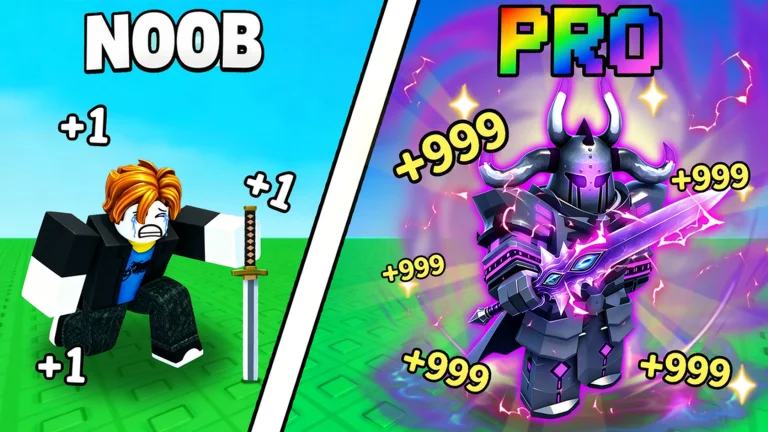
+1 Loot To Forge is an incremental simulator on Roblox by Good Bro Studio. The developer describes four core actions: gain Power, defeat enemies, gather ores and forge gear. Each dungeon trip supplies materials for the next equipment improvement.
Start from the official Roblox listing linked on this site. Similar game names can lead to unrelated codes and mining guides. This guide covers place 118805555015549.
Make your first dungeon run a short one
Train in the hub, then enter the dungeon and pay attention to how quickly you defeat enemies. Community beginner guides describe a progression through numbered stages. When progress slows sharply, return to improve your equipment instead of risking a full bag.
Look at your inventory before returning to the forge. Ore is both a resource to manage and an input for crafting. Keep useful materials until you have compared your next craft with your current equipment.
- Read the current in-game tutorial and controls first.
- Use early trips to learn where you can clear enemies comfortably.
- Compare upgrade costs in the current game before spending Coins.
Read the forge preview before committing
Community observations distinguish ore quality from ore quantity. Quality contributes to the displayed multiplier, while the number of ores affects the equipment class preview. A larger pile is not automatically a better multiplier.
Our calculator estimates a weighted average using nine community-reported ore readings. It does not predict a named item or its final Power. Check its result against the live forge preview before spending rare materials.
Choose the next bottleneck to fix
If your bag fills before you finish a useful run, inspect capacity upgrades. If enemies take too long, compare training and equipment upgrades. If you are considering a reset, read exactly what the Rebirth confirmation says you will lose and retain.
Redeem the developer-listed code when available, then return to the core loop. Codes are a bonus; understanding how your materials improve the next run is the repeatable part of progression.
Sources & review notes
Checked 2026-09-30. Community mechanics have not been independently tested in game by this site. Always compare with current in-game information.