
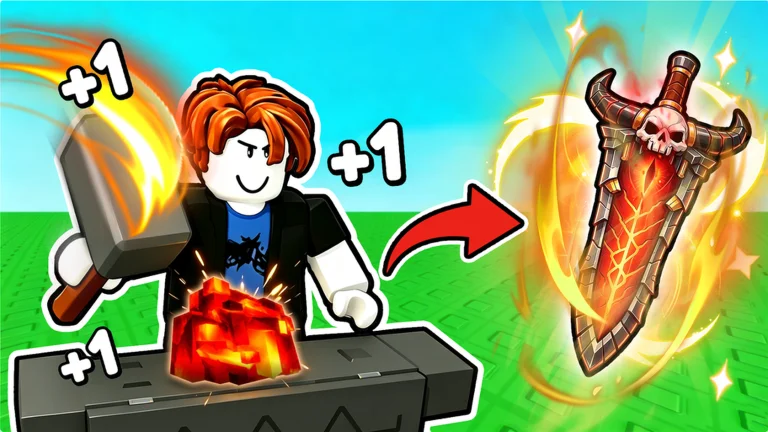
What does a forge recipe actually tell you?
Players searching for Loot to Forge recipes usually want to know which ores to spend on their next craft. Community testing describes a forge preview with a multiplier and equipment-class probabilities. These are different pieces of information; a class preview is not a guarantee of a specific named weapon.
There is no developer-published complete recipe or drop-rate table in the sources checked for this guide. Treat named-item combinations as reports unless the current game confirms them.
Compare mixtures with a weighted average
The community formula used in our calculator is: add each ore multiplier multiplied by its quantity, then divide by the total number of ores. This estimates the preview multiplier, not the final damage or Power of an item.
For example, three The Apex ores at 140 and four Panic-Core ores at 128 give (3 × 140 + 4 × 128) ÷ 7 = 133.14. These inputs are community readings, so the live game remains the final check.
- Adding a lower-multiplier ore lowers the average.
- Increasing the quantity of the same ore leaves its average unchanged.
- The calculator does not account for races, buffs, enhancement or random item rolls.
Use the game to check equipment-class odds
Community captures report a Katana preview at four The Apex ores and a Greatsword preview at thirteen. These are observations of particular inputs, not a verified universal table for every ore, armor type or future update.
Change the quantity in the live forge and inspect the class preview. Do not assume that the multiplier calculator can tell you the chance of a specific weapon or helmet.
Make a small plan before each craft
Choose your target equipment class, gather the required materials and compare your candidate mixtures. Keep a little flexibility rather than filling every slot with whatever is left in the bag.
After crafting, compare the result with what you currently use and equip it in game if it is an improvement. If the game shows a different multiplier from this site, trust the game and treat the published reading as needing review.
Sources & review notes
Checked 2026-09-30. Community mechanics have not been independently tested in game by this site. Always compare with current in-game information.